
Go to www.YourDomainName.com/webmail (replace mydomain.com with your real domain name)
Login into Webmail with the following
Email: yourName@YourDomainName.com (replace with your email address)
Password: your email password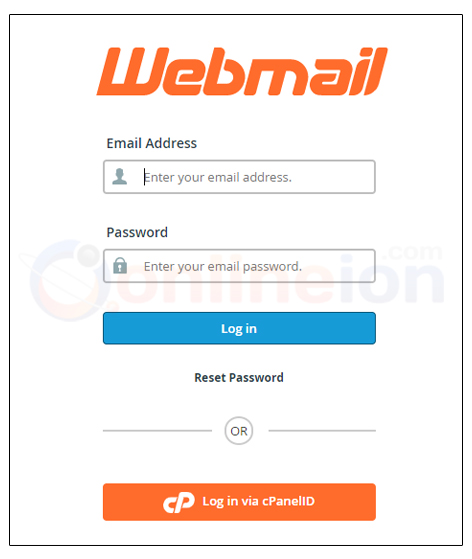
Upon successful login, please select 'Password & Security'.

If you're unable to see the option, and you're inside the Webmail, select 'Webmail Home' from the left menu.

Enter desired new password and Select Change Password
If the password was changed successfully, the message below will be shown
